

Fast, Secure, and No Installation Required
Access Your Windows Apps and Desktop from Anywhere.
We introduce modern solutions for Desktop Virtualization and Application Delivery technologies that let you access your software, files, and full Windows desktop remotely through the internet, without installing anything on your device.


Without installing
Run Windows applications without installing them locally

Remote access
Remote access to desktop and apps (RDP / RemoteApp)

Secure your data
Nothing leaves your server or office network

Lower IT costs
Lower IT costs by installing software only on a central server
Ideal
Ideal for businesses, IT teams, schools, remote workers, and freelancers
Featured Software Solutions
Here, you will discover and learn how to use the best tools in remote access and virtualization.
Parallels RAS
A simple, versatile, and cost-effective solution for delivering applications and desktops, with a strong focus on easy deployment and management, multi-platform support, and reducing implementation costs for small to medium-sized businesses.
VMware Horizon
An integrated, enterprise-level virtual desktop (VDI) solution that is deeply integrated with VMware vSphere and other VMware software, offering an “all-in-one from a single vendor” environment for organizations loyal to the VMware ecosystem.
Citrix
Citrix Virtual Apps and Desktops a highly powerful and complex platform for delivering desktops and applications, primarily designed for large enterprises with advanced security, performance, and scalability requirements. Advanced and powerful, but very expensive.

“We have seen a significant increase in the security of our sales team users in just a few months. I highly recommend this cloud-based system.“
Janet Morris

“This system has completely transformed our strategy. They are a trusted and genuine partner and we are thrilled with the results they have delivered.”
Willie Brown

“Their expertise and data-driven approach have allowed us to optimize our organization for maximum impact. And we see this as a huge step forward.”
MARIA STEVENS
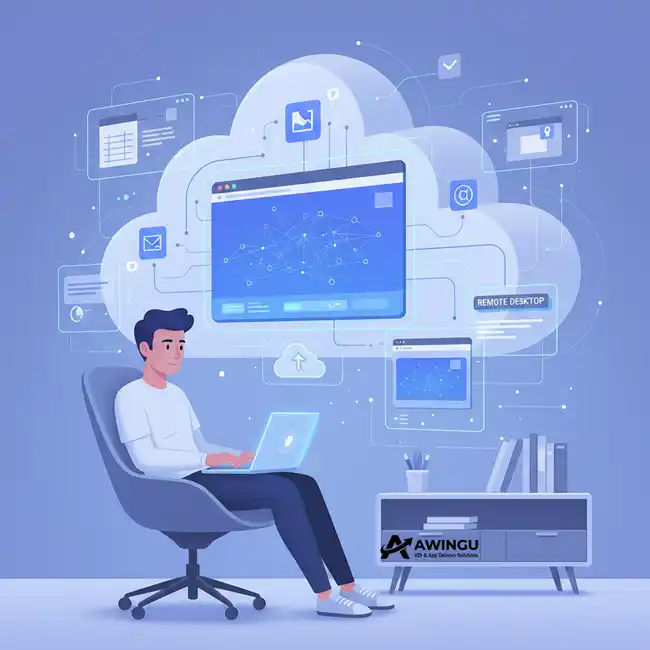
What Is a Virtual Desktop?
A Virtual Desktop (VDI) allows you to access a full Windows desktop hosted on a central server. It feels like you’re sitting at your office computer, but you can connect from home, a laptop, tablet, or even a smartphone.
Choosing Virtual Solutions
How does it work?
Why This Website?
- Simple explanation of advanced IT concepts
- Detailed guides and comparisons of RDP & Virtualization tools
- Real-world use cases, benefits, and deployment methods
- Helping you make smarter decisions before investing in software

Let’s work together on your next VDI project
Start now and discover how you can bring your Windows apps and desktop to anywhere in the world